Live Streaming Equipment Essentials
Mastering the hardware pipeline for professional broadcast transmission.
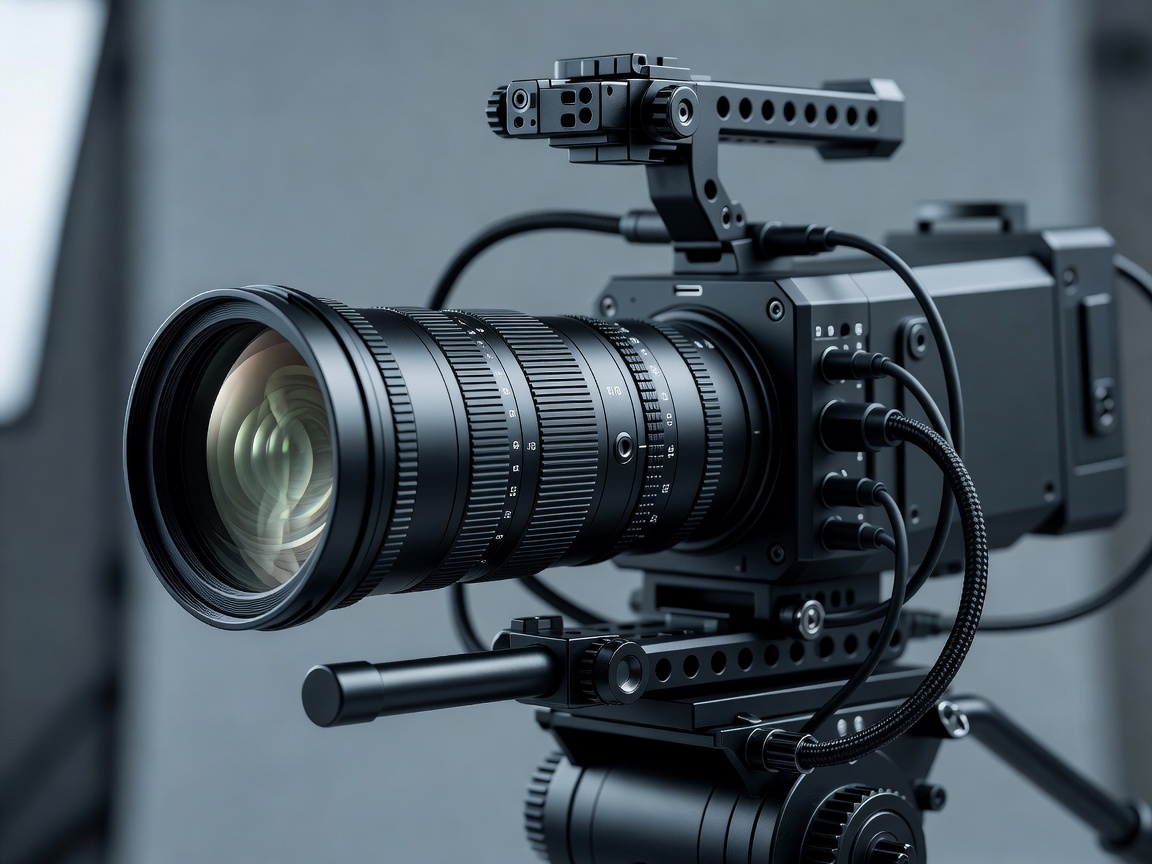
The foundation of any high-quality live broadcast is the hardware pipeline. Unlike pre-recorded video, where issues can be corrected in post-production, live broadcasting requires equipment that is reliable, continuous, and highly integrated. Understanding the fundamental categories of hardware—image acquisition, signal capture, and audio ingestion—is crucial to assembling a resilient studio.
Image Acquisition: Camera Selection
Choosing the right camera system dictates the visual ceiling of your production. While simple USB webcams are sufficient for casual conferencing, professional broadcasts rely on dedicated optical systems that offer interchangeable lenses and larger sensors.
- Mirrorless Cameras: Offering large sensors (APS-C or Full Frame), mirrorless cameras provide excellent low-light performance and shallow depth of field. This aesthetic mimics high-end cinema. However, they require careful thermal management, as not all models are designed to output a continuous HDMI signal without overheating.
- PTZ (Pan-Tilt-Zoom) Cameras: Essential for multi-camera studio setups lacking dedicated camera operators. PTZ cameras are controlled remotely via network protocols (like NDI or VISCA). They usually feature smaller sensors than mirrorless cameras but offer unparalleled convenience in fixed installations.
- Camcorders: Traditional broadcast camcorders prioritize deep focus, robust I/O (SDI connections), and endless recording times. They are workhorses for live event coverage where cinema aesthetics are secondary to reliability and comprehensive zoom ranges.
Signal Capture: Bridging the Gap
A camera's video output must be digitized and sent to your encoding computer. This process introduces capture cards to the hardware chain. A capture card intercepts the raw video signal—usually via HDMI or SDI—and converts it into a digital format the computer's motherboard and software can process.
Internal vs. External Capture
Internal capture cards utilize the PCIe slots on a desktop motherboard. They are highly favored for their low latency and ability to handle multiple inputs simultaneously on a single card (e.g., Quad HDMI or Quad SDI PCIe cards). Because they connect directly to the motherboard's bus, bandwidth limitations are rarely an issue, even at 4K60fps.
External capture devices interface via USB 3.0 or Thunderbolt. These are mandatory for laptop-based broadcasting setups. While convenient and portable, users must be aware of USB bus limitations. Connecting multiple USB capture cards to the same internal USB controller can result in bandwidth saturation, causing frame drops or device disconnections.
Audio Interfaces and Microphone Chains
Viewers will tolerate compromised video quality before they tolerate poor audio. High-fidelity audio capture separates amateur streams from professional broadcasts. The core component here is the audio interface, which serves as the bridge between analog microphones and the digital encoding environment.
Professional broadcasters utilize XLR microphones rather than USB alternatives. XLR connections send a balanced audio signal that is highly resistant to electromagnetic interference, a common issue in studios filled with power cables and monitors. The microphone connects to a USB audio interface or a dedicated physical broadcast mixer.
When selecting an audio interface, consider the quality of its preamps—the internal components that boost the quiet microphone signal to a usable line level. Dynamic microphones, often favored in untreated broadcast rooms due to their superior background noise rejection, require preamps capable of delivering significant clean gain (often upwards of 60dB) without introducing audible hiss.
Power Conditioning and Redundancy
Often overlooked, power management is the final pillar of broadcasting hardware. A sudden voltage drop or localized power failure will instantly terminate a live transmission. Deploying Uninterruptible Power Supplies (UPS) for both the encoding PC and the core networking equipment ensures the stream remains live during brief electrical fluctuations and provides enough time for a graceful shutdown during total outages.
By carefully selecting and integrating cameras, capture devices, audio interfaces, and power management, broadcasters establish a stable foundation capable of operating for hours without technical intervention.